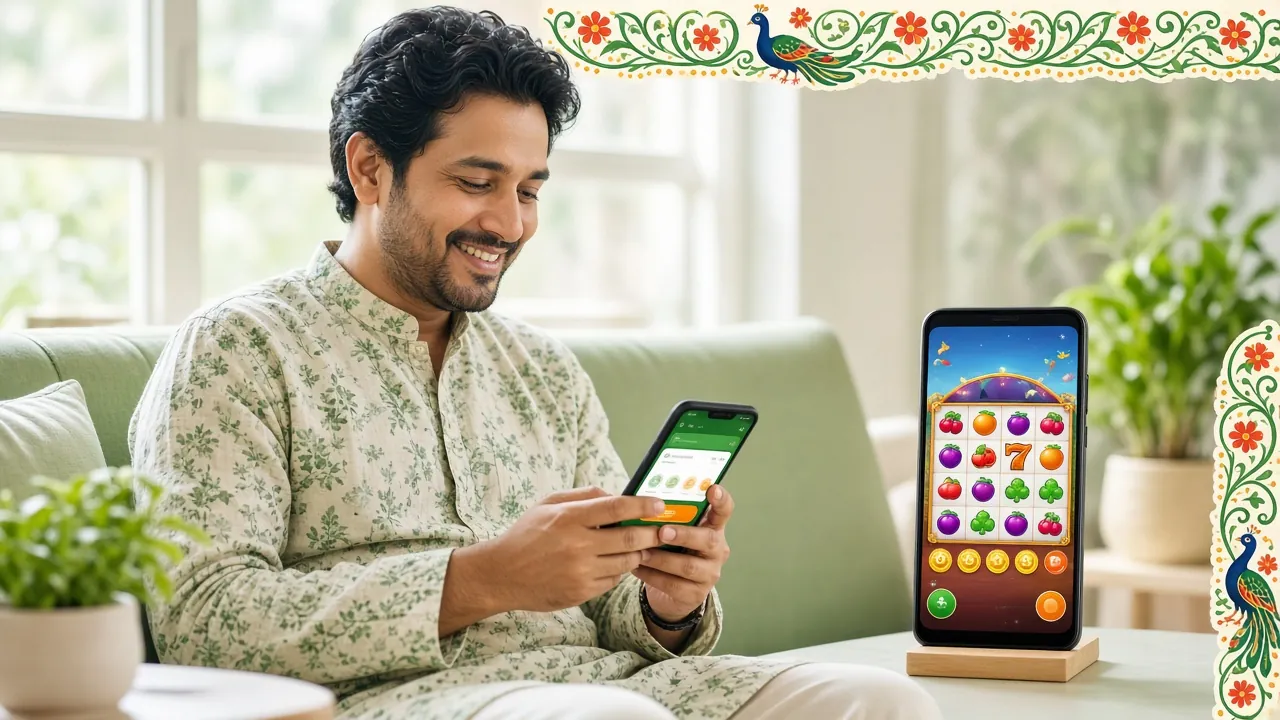
Get the bagi200 App on Your Android Phone
One free APK download. Play slots, fishing, live casino and sports on any Android phone. Deposit and withdraw in minutes with bKash or Nagad — no browser needed.
- Safe & Verified APK
- Android 6.0+
- SSL Encryption
- 24/7 Support
Download Details & iOS Workaround
The bagi200 App is an Android APK — download it directly from this page, no Play Store needed. Check the table below for exact version details before you install.
| Version | 3.8.6 |
| File Name | bagi200.apk |
| File Size | 28 MB |
| Min. Android | Android 6.0 or higher |
| Last Updated | 16 November 2026 |
| Price | Free |
| Language | English / Bangla |
iPhone Users: Add to Home Screen
There is no iOS app yet, but you can pin the bagi200 website to your home screen for near-app experience. It loads in Safari and behaves like a shortcut icon.
- Open https://bagi200.net in Safari on your iPhone or iPad.
- Tap the Share icon at the bottom of the screen (the box with an arrow pointing up).
- Scroll down in the share sheet and tap "Add to Home Screen".
- Change the label to bagi200 if you like, then tap Add in the top-right corner.
- The bagi200 icon now appears on your home screen. Tap it to go straight to the site — no browser address bar needed.
Games Inside the bagi200 App


See the full game library on the Casino page. Over 5,000 titles available in the app.
What You Can Do Inside the App
The app covers every main function of the full site, optimised for smaller screens and slower mobile connections common across Bangladesh.
One-Tap Login
Stay logged in between sessions. Enter your phone number or username once — the app remembers your session so you go straight to the lobby on your next visit.
Deposit & Withdraw via bKash / Nagad
Top up from ৳450 and withdraw from ৳1,300 without leaving the app. Deposits clear in about 6 minutes; withdrawals usually process within 34 minutes.
Live Casino Streaming
Evolution and Sexy Gaming live tables stream inside the app at standard mobile data rates. The app auto-adjusts video quality when your signal drops.
Sports & Cricket Betting
Follow BPL, IPL and T20 matches in real time. Place bets and check odds without switching tabs. Live in-play markets update automatically.
Push Notifications
Opt in to match alerts, bonus reminders and deposit confirmations. You can turn individual notification types on or off inside App Settings at any time.
Live Chat Support
Reach the support team 24/7 directly from the app's help icon. No need to open a browser. Chat history saves within the session so you do not need to repeat your query.
Three Ways to Log In: Which One Works for You
Once you have registered an account, you can sign in through the app using any of these three methods. Each suits a slightly different situation.
Mobile Number Login
Enter your registered phone number and OTP code. No need to remember a username. Works well when you are switching between devices.
Username & Password
Type your username and password directly. Useful if you use multiple SIM cards or if OTP delivery is slow in your area.
App Auto-Login
After your first login, the app keeps your session active for up to 30 days. Just open the app and you land straight in the lobby.
Having trouble signing in? Visit the Login help page for a step-by-step guide.
App Permissions & Why bagi200 Needs Them
The bagi200 APK requests a small set of standard Android permissions. Here is exactly what each one does, and how to turn off anything you are not comfortable with.
Safety tip: Always download the bagi200 APK from https://bagi200.net/bagi200-app/ only. APKs from third-party app stores or Telegram channels may contain modified code.
How to Check APK Authenticity
Before installing, compare the file size: the genuine bagi200 APK is exactly 28 MB. A file that is significantly larger or smaller may be tampered with.
Android 10 and above will show a warning if an APK's certificate does not match its previous version. Trust that warning — do not override it unless you just updated the app from this page.
If you see "Package appears to be corrupted" during install, delete the file and re-download directly from the button at the top of this page.
Playing on a Budget Android Phone or Slow Connection
The bagi200 App runs on Android 6.0 and uses only 28 MB of storage, so it installs on most affordable phones sold in Bangladesh. These settings help when RAM or mobile data is limited.
Low-Memory Android (Under 2 GB RAM)
- Close background apps before opening bagi200 to free up RAM.
- Use Slots or Fishing games first — they use less memory than live table streams.
- Restart the app if a game freezes. Session data is saved, so you do not lose your balance.
- Avoid parallel downloads — pause any active file downloads while playing.
2G / 3G Network Tips
- Enable Data Saver in App Settings to lower video quality on live games.
- Play Slots over Live Casino — slots require far less data per session than live video streams.
- Use bKash or Nagad for deposits — the payment flow works on slow connections and completes in one page.
- Turn off push notifications you do not need — they add small background data usage over the day.
Can't Install the APK? Fix It in One Step
Android blocks outside installs by default. These are the five problems players report most often — each has a quick fix.
| Problem | Likely Cause | Fix |
|---|---|---|
| Install Blocked / "Unknown Sources" error | Android's default security setting prevents installs from outside the Play Store. | Go to Settings › Security › Install Unknown Apps (or Special App Access on Android 8+), find your browser or file manager, and enable "Allow from this source". Try installing again. |
| "Parse Error" or "Package cannot be parsed" | The APK file is corrupted or the download was cut short before it finished. | Delete the file from your Downloads folder. Re-download the APK from the button at the top of this page on a stable Wi-Fi connection. Do not open the file until the download shows 100%. |
| Insufficient Storage Space | Your phone has less than 28 MB of free internal storage. | Free up space by clearing cache in Settings › Storage › Cached Data, or delete apps you no longer use. The bagi200 APK itself needs 28 MB; allow at least 50 MB to be safe. |
| App Installs but Crashes on Launch | Android version is below 6.0, or RAM ran out during launch. | Check your Android version in Settings › About Phone. If it is below 6.0, the app is not compatible. If the version is fine, force-close other apps and relaunch bagi200. |
| Update Installs but Old Version Still Showing | Android cached the old version data and did not fully replace it. | Go to Settings › Apps › bagi200 › Storage and tap Clear Cache. Do not tap "Clear Data" or you will log out. Relaunch the app — it should show version 3.8.6. |
Still stuck? Open Live Chat inside any browser at bagi200.net — the support team is available 24/7 and can walk you through it in Bangla or English.
How to Install the App on Android: Step by Step
The whole process takes under three minutes on a 4G connection. You need Android 6.0 or higher. Follow these steps in order.
-
Allow Unknown Sources
Open Settings › Security on your phone. Find "Install Unknown Apps" or "Unknown Sources" and enable it for your browser (Chrome, Firefox, or your default browser). This tells Android it is safe to install APK files you download yourself. You only need to do this once.
-
Download the APK
Tap the Download APK button on this page. Your browser will save
bagi200.apkto your Downloads folder. Wait for the download to reach 100% before opening it. The file is 28 MB — on 4G this takes roughly 10–20 seconds. -
Run the Installer
Open your Downloads folder (or tap the notification that appears when the download finishes) and tap bagi200.apk. Android will show an install screen listing the permissions the app needs. Tap Install and wait for the progress bar to complete — usually under 15 seconds.
-
Open the App & Log In
Tap Open when the installer finishes, or find the bagi200 icon on your home screen. Enter your registered phone number or username and password. If you do not have an account yet, tap Register inside the app or visit the Register page first — it takes under two minutes.
-
Deposit & Start Playing
Go to Wallet › Deposit, choose bKash, Nagad, Rocket or Upay, and add at least ৳450 to activate your account. First-time deposits unlock a welcome bonus — check the Bonus & VIP page for current terms. Your deposit should reflect within 6 minutes.
After installing, you can safely go back to Settings › Security and turn "Unknown Sources" back off. It does not affect apps that are already installed.
Common Questions About the bagi200 App
Answers to the questions players ask most before and after downloading.
01. Is the bagi200 APK safe to download?
Yes, as long as you download it from https://bagi200.net/bagi200-app/. The APK is scanned before each release and the file size is a fixed 28 MB — if a file you downloaded is a different size, delete it and re-download. Avoid APK links shared in Facebook groups or Telegram, as those may be repackaged with added code.
02. Why is the app not on Google Play?
Google Play does not allow real-money gambling apps in Bangladesh. This is a policy limitation from Google, not a reflection of the platform's safety. Many legitimate betting apps in Bangladesh are APK-only for the same reason. The bagi200 APK is the official version, distributed directly by the platform.
03. My phone says "Install blocked." How do I fix this?
This is Android's built-in protection for installs from outside the Play Store. Go to Settings › Security › Install Unknown Apps, select your browser (or file manager), and switch on "Allow from this source." Then go back to your Downloads folder and tap the APK again. After installing, you can turn the setting back off — it will not uninstall the app.
04. How do I update to the latest version?
The app does not auto-update. When a new version is out, return to this page and download the latest APK. Install it over the existing app — your account, balance and game history are stored on the server, not on your phone, so nothing is lost. The current version is 3.8.6, last updated 16 November 2026. Check this page occasionally for new releases.
05. Can I use the bagi200 App with Nagad or Rocket?
Yes. The app supports all four payment methods: bKash, Nagad, Rocket and Upay. Go to Wallet › Deposit, select your preferred method, enter the amount (minimum ৳450), and follow the on-screen steps. The deposit typically reflects within 6 minutes. Withdrawals are available from ৳1,300 and usually process within 34 minutes.
06. Does the app work on a 2G or slow 3G connection?
Yes for most game types. Slots, Fishing and Crash games load fine on 3G. Live casino table streams require a steadier connection — enable Data Saver in App Settings to lower the video bitrate if the stream stutters. Deposits and withdrawals through bKash and Nagad work reliably even on slow connections because the payment pages are lightweight.
Ready to Download the bagi200 App?
28 MB, free, runs on Android 6.0+. Deposit with bKash or Nagad from ৳450 and play from anywhere in Bangladesh.
18+ · Play Responsibly · Only for players in Bangladesh